Showing posts with label shift. Show all posts

Wednesday, 11 January 2012

Shift 2.2.3, Diatonic Harmonizer and Delay Effect, Released


Shift 2.2.3 for Mac OS X, Windows, and Linux is now available. Download the updated version here.

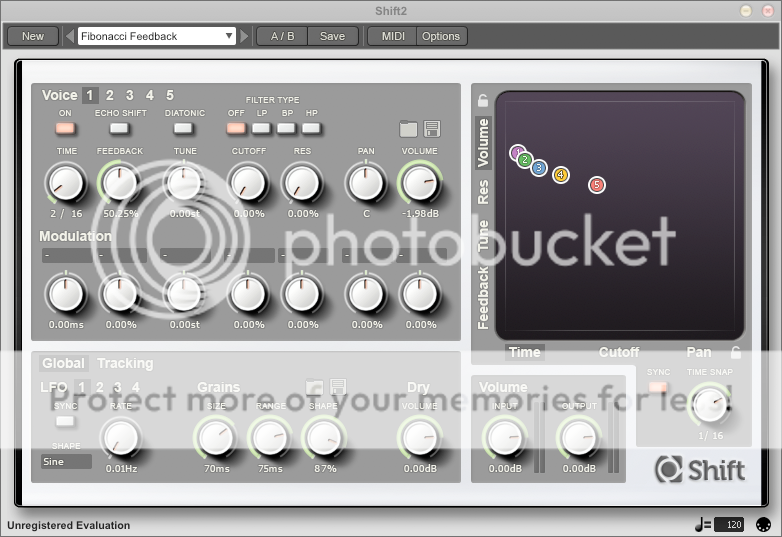
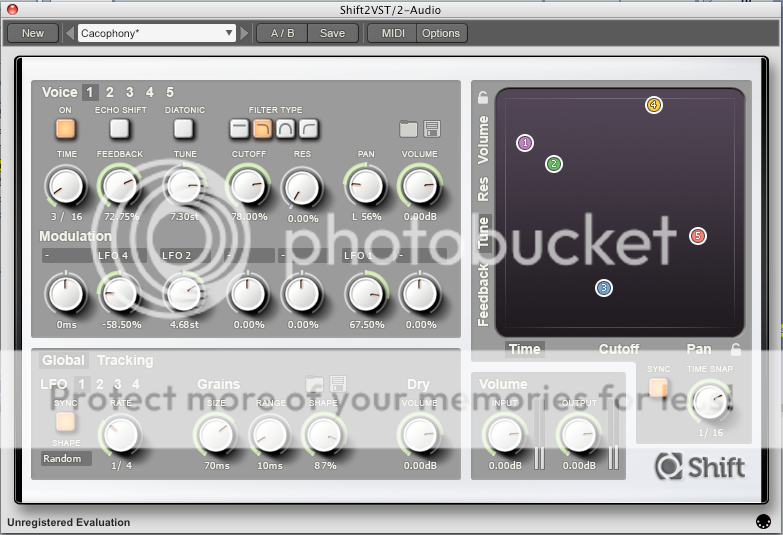
Shift is a diatonic granular pitch shifting delay. Shift combines an intuitive and beautiful user interface, with a great sounding granular synthesis engine. Shift's flexibility allows a palette of timbres ranging from basic echo effects, through intelligent harmonies, to exotic evolving ambient soundscapes.


This minor update contains the following fixes and features:

  • Fixed incredibly rare crash which may occur when first opening the plug-in on certain 32-bit VST Windows hosts. 
  • Massively improved speed and responsiveness of all UI controls. 
  • Improved CPU usage when tweaking parameters from a hardware controller. 
  • Standalone versions now support multiple simultaneous hardware controllers. 
  • For the Windows VST plug-in, when using a relative path for the presets folder, the path is now relative to the DLL, not the host. 

Admittedly a minor update, but certainly worth a download for anyone who has fallen foul to the, now fixed, start-up crash bug.

Saturday, 16 July 2011

Shift 2.2.0 update for Mac OS X, Windows, and Linux

Shift 2.2.0 is now available: download the evaluation demo or update here

Shift is a diatonic granular pitch shifting delay. Shift combines an intuitive and beautiful user interface, with a great sounding granular synthesis engine. Shift's flexibility allows a palette of timbres ranging from basic echo effects, through intelligent harmonies, to exotic evolving ambient soundscapes. 


Additions and improvements in Shift 2.2.0 include:
  • Native 64-bit VST plug-in for Mac OS X (64-bit VST support requires Mac OS X 10.6 or greater; 64-bit Audio Unit requires Mac OS X 10.5 or greater; all other formats require Mac OS X 10.4 or greater.) 
  • Integrated undo and redo, with unlimited history size. 
  • Preset Browser is now maximized to fill the entire plug-in window. 
  • Windows RTAS plug-in is now installed to the correct location on 64-bit Windows operating systems. 
  • MIDI Program Changes are now multi-threaded, and so will no longer potentially stall the audio synthesis. 
  • Fix for crash (on both Windows and Linux) that could occur when 'space' is pressed when confirming the overwrite preset dialog. 
  • Fixed interface lock that could occur on Cubase for Mac OS X. 
  • Preset meta data (ie, author name, notes, tags) is now correctly displayed after loading an .FXP based preset or restoring a saved project. 
  • VU meters now automatically reset their overload status after a few seconds. 
  • For Windows VST (32-bit and 64-bit), the preferences file can be placed alongside the DLL file to facilitate USB or portable installs. 
  • Windows RTAS plug-in is now installed to the correct location on 64-bit Windows operating systems. 
  • Clearer font in PDF documentation. 
  • Fix for rare issue that stopped presets from loading in Linux Renoise when LADSPA plug-in support is enabled. 
  • Factory presets now load significantly faster.
Download Shift 2.2.0 here for Mac OS X, Windows, and Linux.

Wednesday, 8 June 2011

A short guide to Echo Shift

The most common support questions asked of Shift - our diatonic granular pitch shifter, now in its second iteration - are: "Can you move the pitch shifter into the delay's feedback path?"; and "What does Echo Shift do?". To which we answer: "Yes, it's called Echo Shift"; and "It moves the Pitch Shifter into the delay's feedback path."

It's probably easier to hear this effect in action than it is to describe it, so here are some audio snippets with annotations for clarification. It may also help to refer to the signal flow diagram from the manual, reproduced below for your convenience.
Loomer Shift v2 audio signal flowshort


Echo Shift Off
Echo Shift disabled

With Echo Shift switched off, the pitch shifter comes before the delay, and the delay feeds back into itself. The key point here is that incoming audio is pitch shifted only the once. The following audio file demonstrates a short orchestral stab shifted two semitones by the pitch shifter. You hear the dry signal first, followed by the shifted echoes.


Echo Shift On
Echo Shift enabled

With Echo Shift turned on, the pitch shifter is inserted into the delay feedback path. Each echo will be transposed again as it passes through the pitch shifter. The following audio file demonstrates the same orchestral stab, again shifted two semitones, but this time with Echo Shift on. You hear the dry signal first, followed by the shifted echoes. Notice that the first echo is transposed by two semitones, the second by four (two semitones from the first pass through the pitch shifter, another two from this pass), the third by six semitones, etc...


Diatonic Mode and Echo Shift
When Diatonic Mode is enabled, Echo Shift is automatically disabled. Diatonic mode requires a monophonic signal to track and harmonize, and so an Echo Shifted signal, effectively polyphonic due to the echoes feeding back, is not an appropriate source.

Friday, 25 February 2011

Shift 2.1.0 update: Linux 64-bit; bug fixes and improvements

We are pleased to announce the update for Shift v2.1.0, our diatonic granular pitch shifting effect, is now available: download it here. Shift v2 is available for Mac OS X, Windows, and Linux, in Audio Unit, VST, RTAS plug-in formats, as well as in standalone application format.


What's new in this release:
  • Native Linux 64-bit standalone application and VST plug-in.
  • Fixed audible click and DC offset which could occur (albeit very rarely) when changing between certain presets.
  • Fixed issue that could cause some presets to be instantly marked as changed after opening them in Pro Tools on Mac OS X.
  • Presets can now be quickly grouped using categories.
  • Windows installer now uses the correct admin privileges. This fixes an issue where Vista or Windows 7 could complain that Shift may not have installed correctly.
  • Windows VST 32-bit plug-in and standalone applications no longer depend on additional runtime libraries. However, these libraries are still required - and installed - for the RTAS format plugins.
  • Filter types are now labelled Off, LP, BP, and HP.
  • Minor visual improvement to interface button controls.
  • All presets from Shift v1 are now included (and in many cases improved) in factory preset library.
  • Preset loading speed is improved when using MIDI Change Program messages.
  • PDF manual is now printer-friendly.
  • PDF manual now contains description of Echo Shift function.

Wednesday, 22 December 2010

Shift updated to v2

And Shift v2 is out: go transpose some pitches. Shift v2 is a huge update (although rewrite is perhaps a more accurate description) of the original Shift. Why a rewrite? Why not a minor upgrade? Real-time harmonizing with zero latency, the most requested feature by a long way, just wasn't going to happen with Shift v1.  Rather than shoe-horn the feature in, we took a step back, looked at what did and didn't work with the first Shift, and redesigned it.


Some of the many improvements in Shift v2:
  • Better diatonic tracking. Not only is the tracking faster and more accurate, we've added filters to reduce the signal bandwidth (and hence, make it easier for the tracker to guess the pitch), as well as a real-time tuning indicator to help you finely hone the tracker settings. Plus you can save tracking presets independent from the main preset; if you've found a setting that works great with your particular style of playing, you can easily bring it into any preset.
  • Better interface: most noticeable the XY Grid control for real-time simultaneous 'playing' of two parameters.
  • Grain engine parameters: tweak the fundamental grain settings to improve latency and quality.
  • Improved preset browser, with all the usual features such as tagging, annotations, quick searching, and hot-swap previewing.
  • 64-bit: Shift v2 is native 64-bit for Windows VST, and Mac OS X Audio Unit. Other 64-bit formats coming soon...
So Shift v2 is a vast step forward from Shift v1. But don't take my word for it, listen to the audio samples here. Or even better: judge for yourself, grab the demo here. Shift is available for Mac OS X, Windows, and Linux, in all the usual formats (Audio Unit, VST, RTAS, and Standalone application.)

Registered users of Shift v1 can claim their free licence upgrade here.

Monday, 29 November 2010

Sunday, 6 September 2009

Using MIDI Controllers with Effect Plugins in Renoise

Configuring Renoise effect plugins to use an external MIDI controller is by no means a tricky process, but, judging by the number of queries we get from users who've run afoul of it when using our effects, we felt it was worth a short walk-through.

The trick with Renoise effects is: when using an effect as a Track DSP, route the MIDI messages to the track effect via an FX Alias instrument.

Here we will be using Loomer Shift, our diatonic pitch shifter delay effect VST/Audio Unit plugin, as a Renoise Track DSP. We want to map Delay 1's chromatic Transpose Parameter to our external MIDI controller. First step, add Shift as an insert Track DSP to the desired channel.

Adding Shift as an insert track DSP effect to Renoise
In the lower pane of Renoise, change to the Instrument Settings tab. From the AU/VST Instrument Properties, choose Shift from the FX Alias category.

Choosing Shift as an FX Alias
Return to the Track DSPs tab, and launch the Shift GUI by clicking "Ext. Editor". Because MIDI messages are routed (via the FX Alias) to Shift, you should now be able to map the parameters. Under Options, choose "Start MIDI Learn", click on the Shift parameter you want mapping - in this case, Delay 1 Transpose - and turn your controller's knob. The MIDI Controller ID should be displayed in yellow underneath the parameter. You can continue clicking on parameters and turning controller knobs in order to map more parameter. To leave MIDI learn mode, choose "Stop MIDI Learn" under the Options menu.

MIDI Mapped controls in ShiftA mapped knob on your MIDI controller should now control its corresponding parameter.

Saturday, 22 August 2009

Shift: Diatonic, Pitch Shifted Delays

Loomer Shift, our new granular diatonic pitch shifter and delay effect has been released. As usual, it’s available for Windows, Mac OS X, and Linux, and comes in a numerous amount of plug-in formats (VST, Audio Unit, RTAS, and Standalone.)

Shift Diatonic Pitch Shifter and Delay Effect Plugin
Shift has three independent delay lines, each one combining a fully fledged bucket brigade device style delay with a granular pitch shifter. Three different pitch shifting modes are available - in both Chromatic and Recursive modes the pitch shift amount is specified in semitones and cents, the difference between them being that in Chromatic mode the delay feeds back into itself, whilst in Recursive mode the delay feeds back into the pitch shifter. Finally, in Diatonic mode pitch shift is specified in diatonic intervals (eg, Unison, Second, Third) of a selected key and scale. The monophonic audio tracker then chooses the appropriate pitch shift in order to produce a harmony that is in key.

The free evaluation can be downloaded here, or, if you’re so inclined, a few choice audio examples can be heard here.